
Reporting, invoice intake and governed Power BI, all from the Business Central ledger
Lens is the reporting, Xtract is the invoice intake, and Lens Designer is the governed Power BI model on Microsoft Fabric.
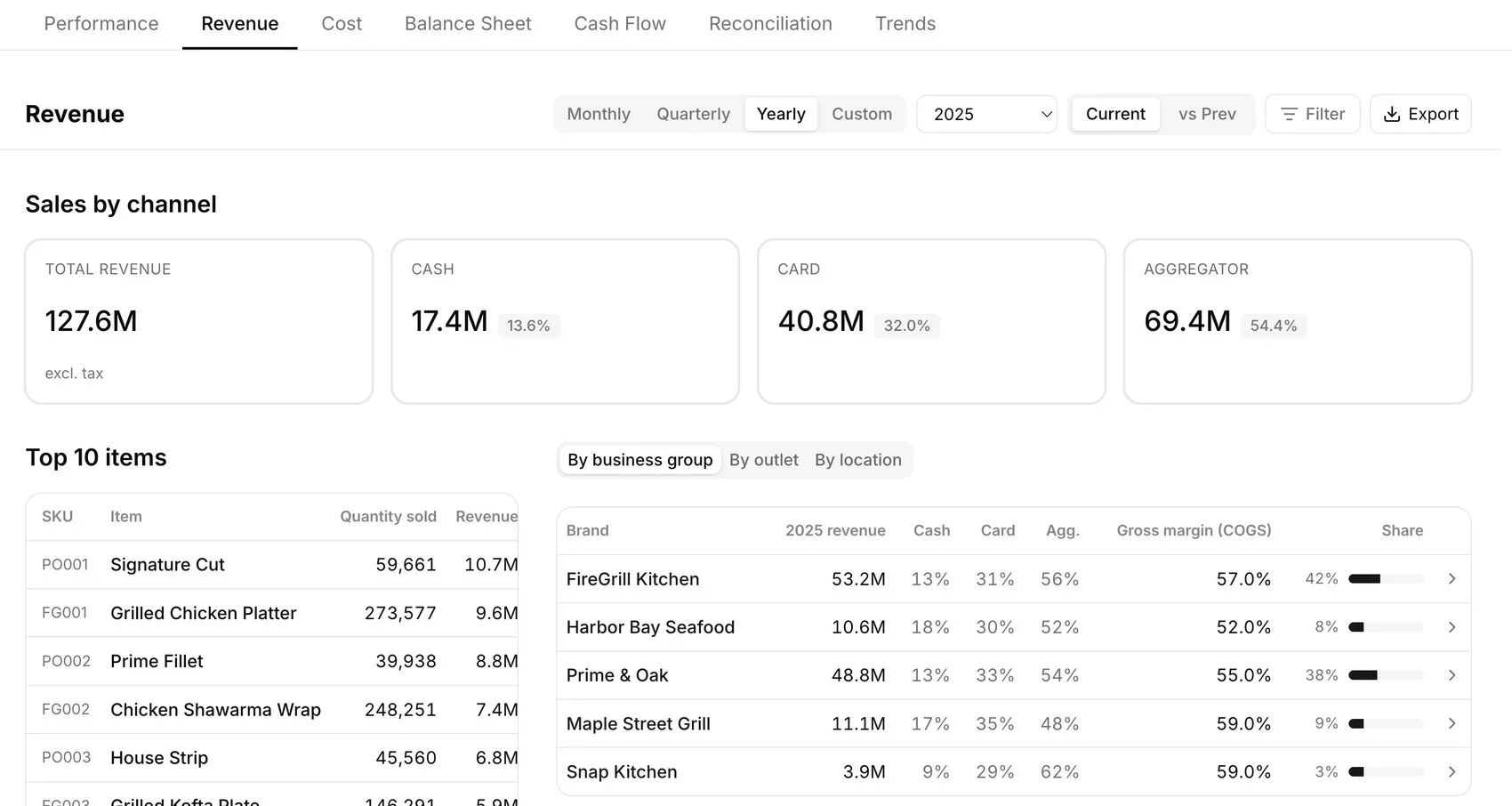
Live Financial Statements

Lens is one live view of every company, location and outlet on Business Central, synced from the ledger daily and on demand. Each person sees what their role allows, and Claude or ChatGPT can be connected to the same figures.
See Lens →One vendor-invoice line
Commission 3,150.00
no per-cost-center breakdown on the page
- Cost center AGL 500000301,575.00
- Cost center B (prepaid)GL 125001201,050.00
- Cost center CGL 50000030525.00
- Exact split: 1,575 + 1,050 + 525 = 3,150.00
Accounts Payable Automation

Xtract handles the vendor invoices AP tools hand back to a person. It learns how your business codes them, checks them against the vendor statement, and returns a workbook ready to import.
See Xtract →Microsoft Fabric
OneLake and Warehouse
Lens Designer
- 1Agree the definitions
- 2Build the semantic model
- 3Reconcile to the ledger
- 4Run the health check
- 5Approve and version
Your Fabric workspace
Semantic model
Standard .pbip
Dashboards
Every figure reconciled
Governed Power BI

Lens Designer builds a governed Power BI semantic model on Microsoft Fabric from a stated objective. Definitions are agreed first, every figure is reconciled to the ledger, and the output is standard Power BI.
See Lens Designer →Secure and in your control
Sign in with Microsoft·Read-only, never writes to Business Central·Strict tenant-level data isolation, on Azure·Synced daily and on demand, unlimited users