
How Lens and Xtract handle your data
Who sees what, and how we keep your data secure.
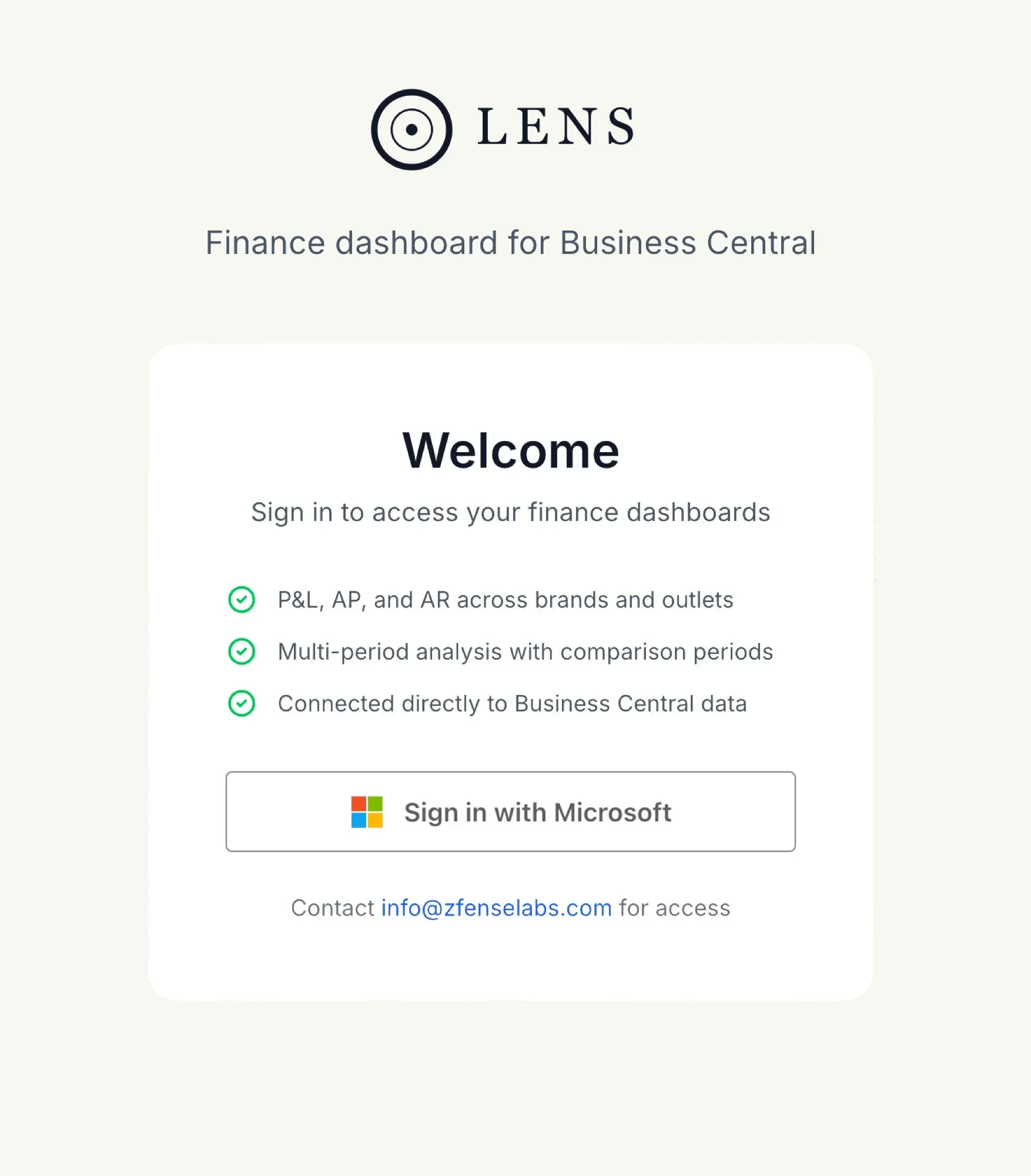
Sign in with Microsoft
You sign in with your Microsoft account, under the conditional-access rules your tenant already enforces. Remove a user in Entra and their access ends with it.
Read-only, by construction
Lens reads Business Central through Microsoft's APIs with read permissions only. Xtract's output is a workbook your team reviews and imports, so nothing reaches the ledger without a person choosing to post it.
Access follows the grant
Finance grants access by company, brand, location and outlet, and by report and feature. Whoever signs in sees only that, including an AI assistant on the MCP server, and every query is logged with user and timestamp.
Isolated per customer
Each customer's data sits under strict tenant-level isolation, encrypted in transit and at rest. Uploaded invoices stay there and never train models. Enterprise can run the full stack in its own Azure subscription.